Welcome to the portal
What the PBCN Member Portal is for and what you can do in it.
What the portal is for
The PBCN Member Portal is a website for Peter Ballantyne Cree Nation members. You can use it on a phone, tablet or computer.
In the portal you can:
- Read Announcements and see Events.
- Look at Programs and apply online.
- Follow your applications in My Applications.
- Answer questions from staff about your application.
- Find your files in My Documents.
- Manage your household in My Household.
- Keep your contact and bank details up to date in My Profile.
- Name a Legal Representative, or act for someone, in Legal Representations.
What you need
- An email address that you can open. The portal sends codes and links to this email.
- A portal account. If you don't have one yet, see Create your account.
The first page you see
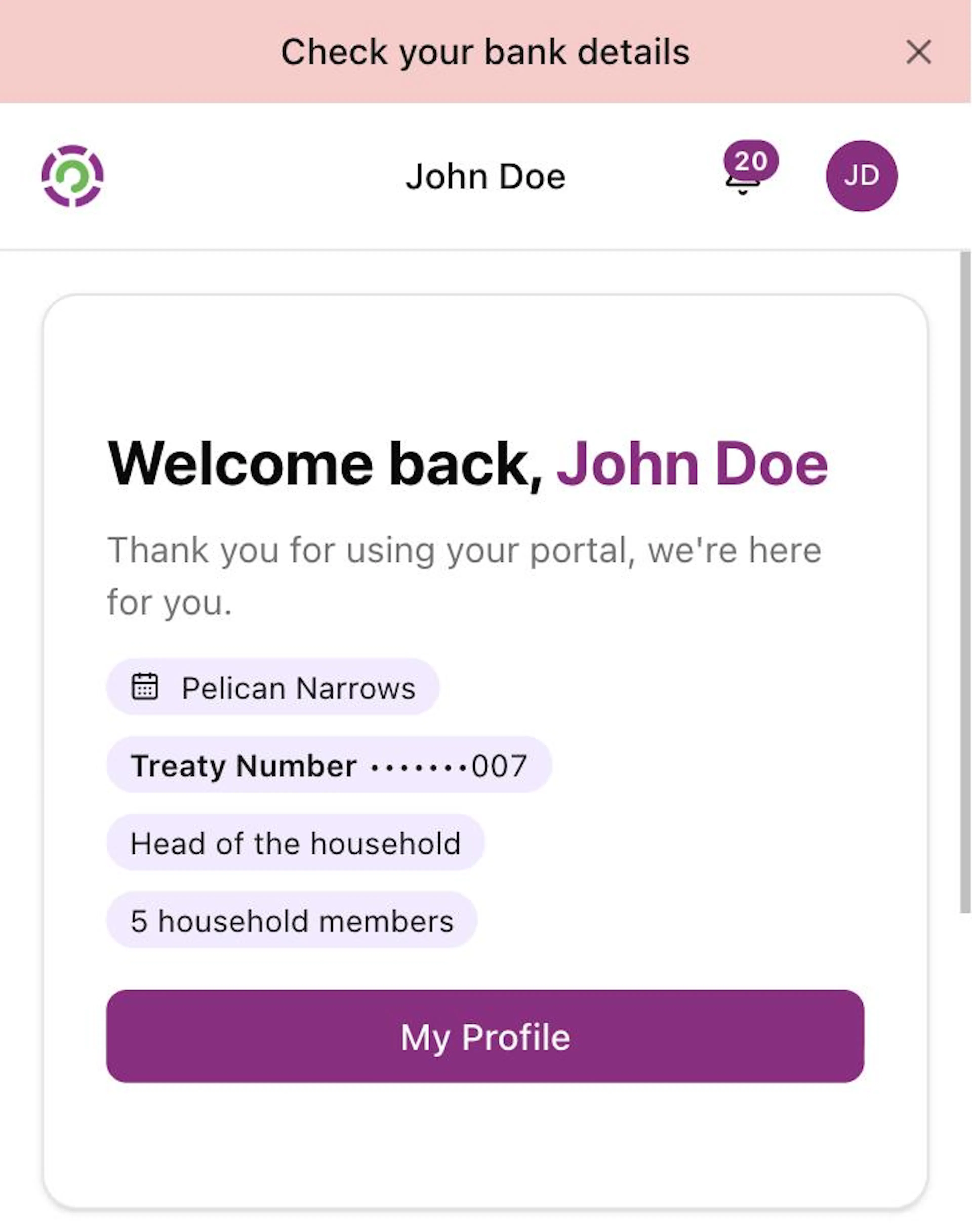
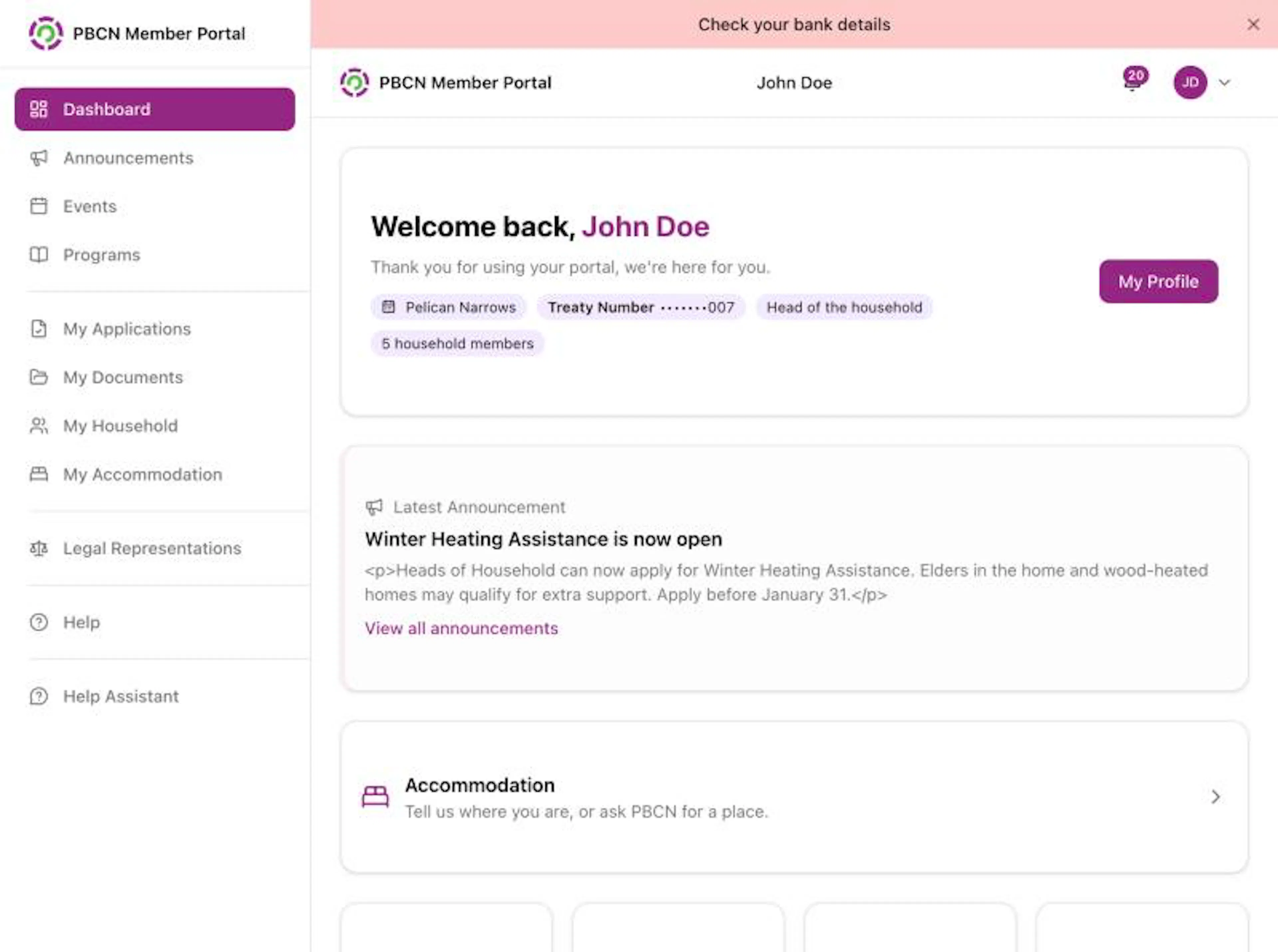
After you sign in, you land on the Dashboard. On a phone, it is called Home in the bar at the bottom of the screen.
The top of the Dashboard says Welcome back, and your name. Under it you see small labels with your community, your Treaty Number and your household.
Your treaty number is hidden with dots, for example •••••••007. To see the whole number, tap the dots. Tap again to hide it.
Lower on the page, under Quick Actions, there are shortcut buttons: Emergency Response, Programs, Applications, Events, Update My Profile and Documents. Tap one to go straight to that page.
Get help inside the portal
- Tap Help in the menu (on a phone: More, then Help). A help panel opens with Help for this page links and a box where you can ask a question about any part of the portal. See Get help in the portal.
For anything about your own account, application or payment, contact your band office.